Seller Insights
The Seller Insights page in the Media Ratings Terminal (MRT) brings together what Pixalate knows about a seller, such as a supply-side platform (SSP): how it ranks on the Seller Trust Index, what its sellers.json file declares, which apps authorize it, and which of those apps carry risk. Use it to judge seller quality, compare sellers and find risk before you spend.
Viewing seller details requires an MRT subscription.
Video (2.5 min): open a seller’s page and read each section.
Open Seller Insights
To open a seller’s page, select the seller’s name on the Seller Trust Index rankings page. The MRT search bar finds apps and websites, not sellers.
The page’s section menu lists Seller Trust Rating Summary, Country Ranking, Seller JSON Details, Top Authorized Apps and the seller’s Network Health. Sections marked Coming soon (COPPA Risk, Compliance Risk and Bid Stream Intelligence) aren’t available yet.
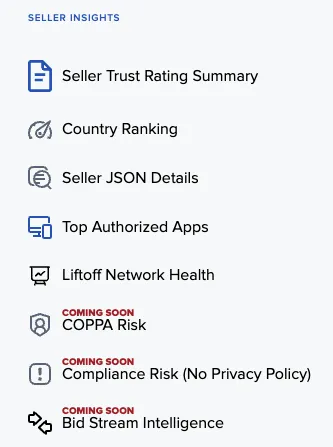
Seller Trust Index overview
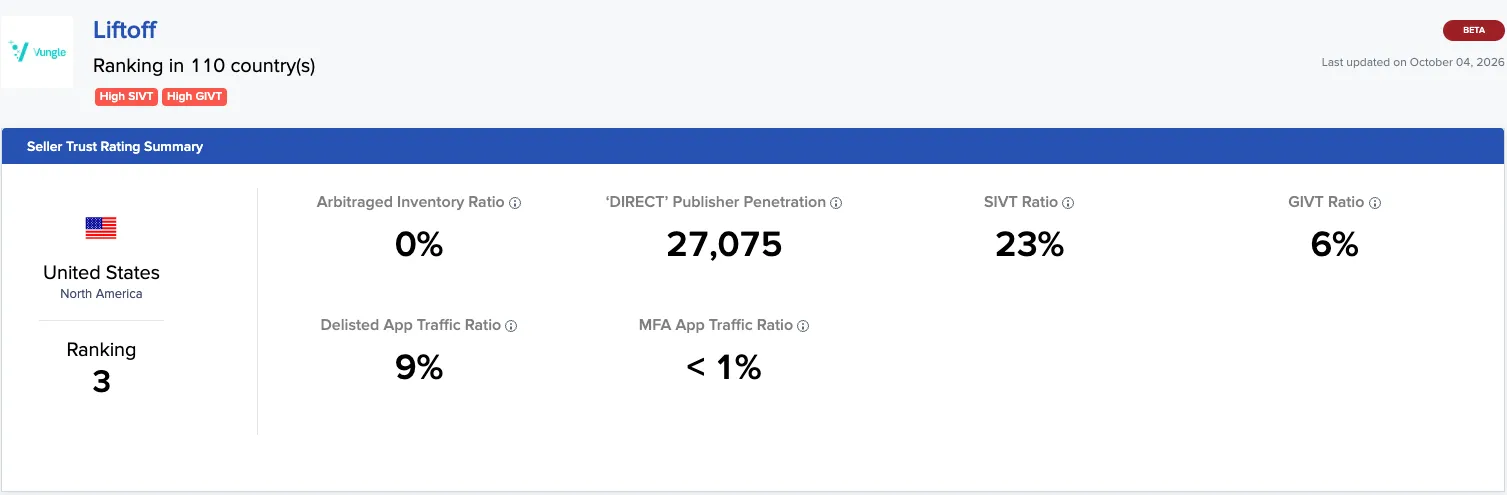
The top of the page shows the seller’s Seller Trust Index (STI) 2.0 ranking for the selected country, its risk flags, and summary tiles for the STI signals. On a mobile seller page the tiles are Arbitraged Inventory Ratio, ‘DIRECT’ Publisher Penetration, SIVT Ratio, GIVT Ratio, Delisted App Traffic Ratio and MFA App Traffic Ratio.
STI 2.0 ranks sellers on the scale and authorization of their direct supply in each country. The rank is a composite of three components. Direct Impression Volume is part of the ranking but isn’t shown as a tile.
Supplemental traffic signals, such as GIVT and SIVT ratios, MFA app traffic ratio, delisted app traffic ratio and fraudulent bundle ID traffic ratio, appear alongside the ranking as context. They don’t affect the seller’s rank.
For the full methodology and how to interpret each signal, see Seller Trust Index (STI).
Rankings by country
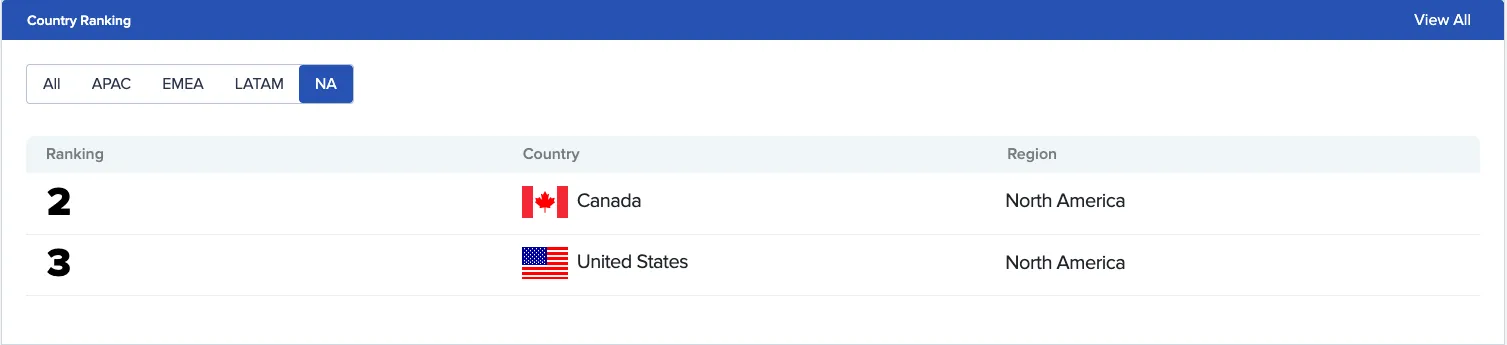
This section shows how the seller ranks in each country, so you can see where it’s strongest. Select View All Country Rankings to compare its ranking across every available country. How much of that table you can see depends on your subscription.
Sellers.json details
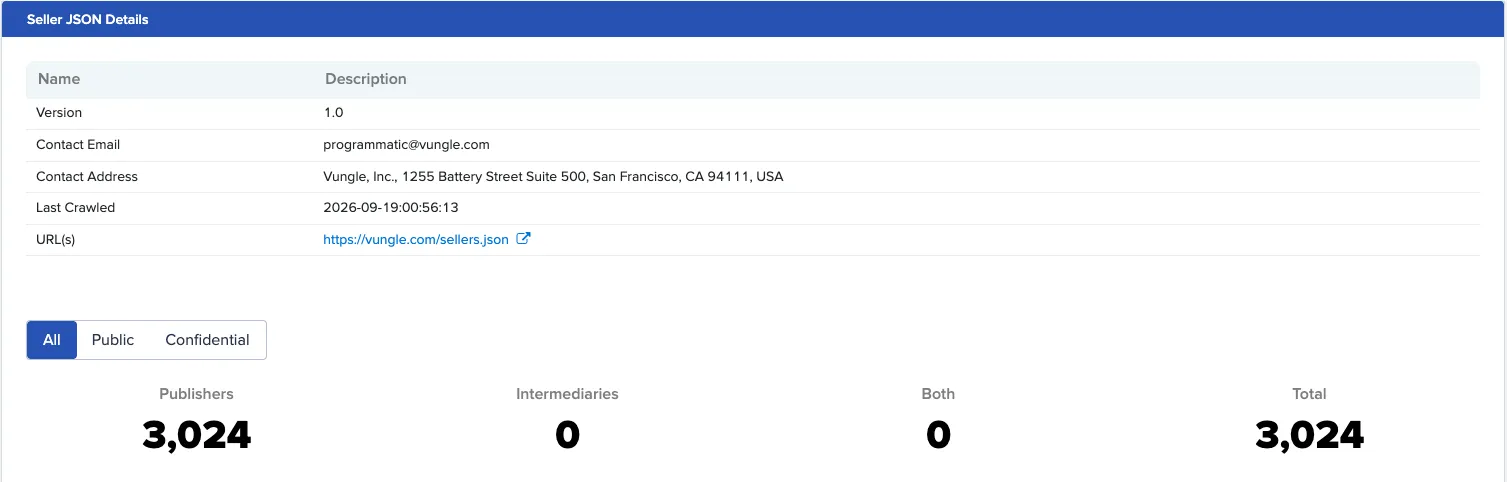
This section shows information from the seller’s sellers.json file:
Top authorized apps
This section shows the scale of the seller’s authorized supply, based on the app-ads.txt files Pixalate crawls:
- Total Unique, Direct and Reseller counts: how many apps list the seller, and how many of those list it as DIRECT (seller-owned relationship) or RESELLER (third-party).
- A table of the top authorized apps, with All, iOS and Android tabs and each app’s share of voice (SOV).
Network health
This section lists apps in the seller’s network, in three tabs: High IVT Risk Apps, High Risk Apps and Top Apps. Use it to see which of the seller’s apps carry risk before you buy through it. For the IVT types Pixalate measures, see the IVT taxonomy.
Coming soon
The section menu also lists COPPA Risk, Compliance Risk and Bid Stream Intelligence, marked Coming soon. They aren’t available yet.
How often the page updates
The Seller Insights page updates weekly. Some sections update on a different schedule because of where their data comes from. For example, Seller Trust Index rankings are produced quarterly.
Related
Questions? Email support@pixalate.com.